

Key Takeaways
A data catalog is the backbone of a scalable, data-driven culture—but not all catalogs are created equal. This guide shows you how to evaluate catalogs by aligning internal needs with core capabilities like discovery, lineage, governance, and collaboration. You’ll learn how to define requirements, score vendors, run effective demos, and validate performance through proof-of-concept trials.
A data catalog can make or break your ability to scale a data-driven culture. The right catalog helps your teams find the data they need, trust it, and use it—without waiting on engineering or risking compliance violations. The wrong one? It becomes shelfware.
As organizations become more data mature, they’re realizing that the catalog is no longer a “nice to have.” It’s the connective tissue between raw data and business value. But choosing the right one has become increasingly difficult. There are dozens of tools on the market—each promising similar outcomes, each with its own take on discovery, governance, and collaboration.
This guide is designed to cut through that noise. Whether you’re evaluating your first catalog or replacing one that’s no longer working, we’ll help you build a practical framework for comparing tools and running meaningful proof-of-concept trials.
What is a data catalog, really?
Let’s start with the basics.
A data catalog is a system that inventories your data assets—automatically or manually—and makes them searchable and understandable for users across the organization. It’s the layer that helps users answer questions like:
- What data do we have?
- Where did it come from?
- Who owns it?
- Can I use it?
- Can I trust it?
Gartner defines it as “an inventory of data assets through discovery, description, and organization of distributed datasets.”
That’s accurate—but in practice, modern catalogs go beyond basic indexing.
Today’s best catalogs integrate with your stack to deliver context, governance, and usability. They show lineage. They surface data quality indicators. They enable analysts and engineers to collaborate on trusted assets. And they do it all at scale.
Coalesce Catalog does exactly that—bringing together lineage, metadata, and governance in a single, AI-powered interface embedded in your data workflow.
Step 1: Start with your internal needs, not vendor features
Before you compare vendors, you need to define your goals. Why are you implementing a catalog in the first place?
The answer might be different depending on your role. For data engineers, the problem might be too many undocumented transformations. For analysts, it could be a lack of trust in dashboards. For compliance teams, it’s often about access control and traceability.
That’s why it’s crucial to begin with internal discovery. Interview stakeholders across functions—data engineering, analytics, governance, operations—and ask them:
- What slows you down when working with data?
- What are the most common blockers or bottlenecks?
- How do you find datasets today? What’s missing?
- Where do you see the biggest risks with data use?
- How much time do you spend answering questions from others?
Once you’ve gathered input, look for patterns. Map the core challenges to key catalog capabilities.
For example:

This mapping will help you move beyond “feature comparison” and focus on outcomes.
Step 2: Understand what modern catalogs actually offer
Not all catalogs are created equal. Some are built for engineers. Others focus on analysts or business users. Some rely heavily on manual input. Others are more automated, using AI to enrich metadata and generate documentation.
Here are the essential capabilities you should expect from any modern data catalog:
1. Discovery and metadata inventory
A good catalog helps users find what they need—fast. That means:
- Automatic indexing of tables, columns, dashboards, and jobs
- Keyword search across technical and business metadata
- Support for synonyms, tags, and glossary terms
- Smart filters for dataset type, domain, or freshness
Think of it as “Google for your data”—but tailored to your organization’s schema and business vocabulary.
2. Metadata management and data lineage

Lineage provides the context behind your data: where it came from, how it was transformed, and how it’s used. Without it, you’re flying blind. That means:
- Table-to-table and column-to-column lineage
- Integration with Snowflake, or Coalesce pipelines
- Visual lineage diagrams that adapt as your stack evolves
- Support for custom metadata and transformation history
Coalesce offers column-aware lineage built directly into your transformation logic—so there’s no need to define lineage manually or retroactively.
3. Data trust and quality indicators
Your catalog should help users evaluate whether data is usable—not just whether it exists.
- Freshness metrics and sync status
- Data profiling tools
- Alerts for schema drift or unusual values
- Usage metrics to show which assets are most popular
4. Collaboration and ownership
A catalog only works if it reflects how your team works. Look for features that make knowledge sharing easy:
- Commenting and annotations
- Ownership assignment and team tagging
- Version history and documentation tracking
- Integration with Slack, Teams, or your BI tools
5. Governance and access control
Security is table stakes. Your catalog must support:
- Role-based permissions
- Row- or column-level data access policies
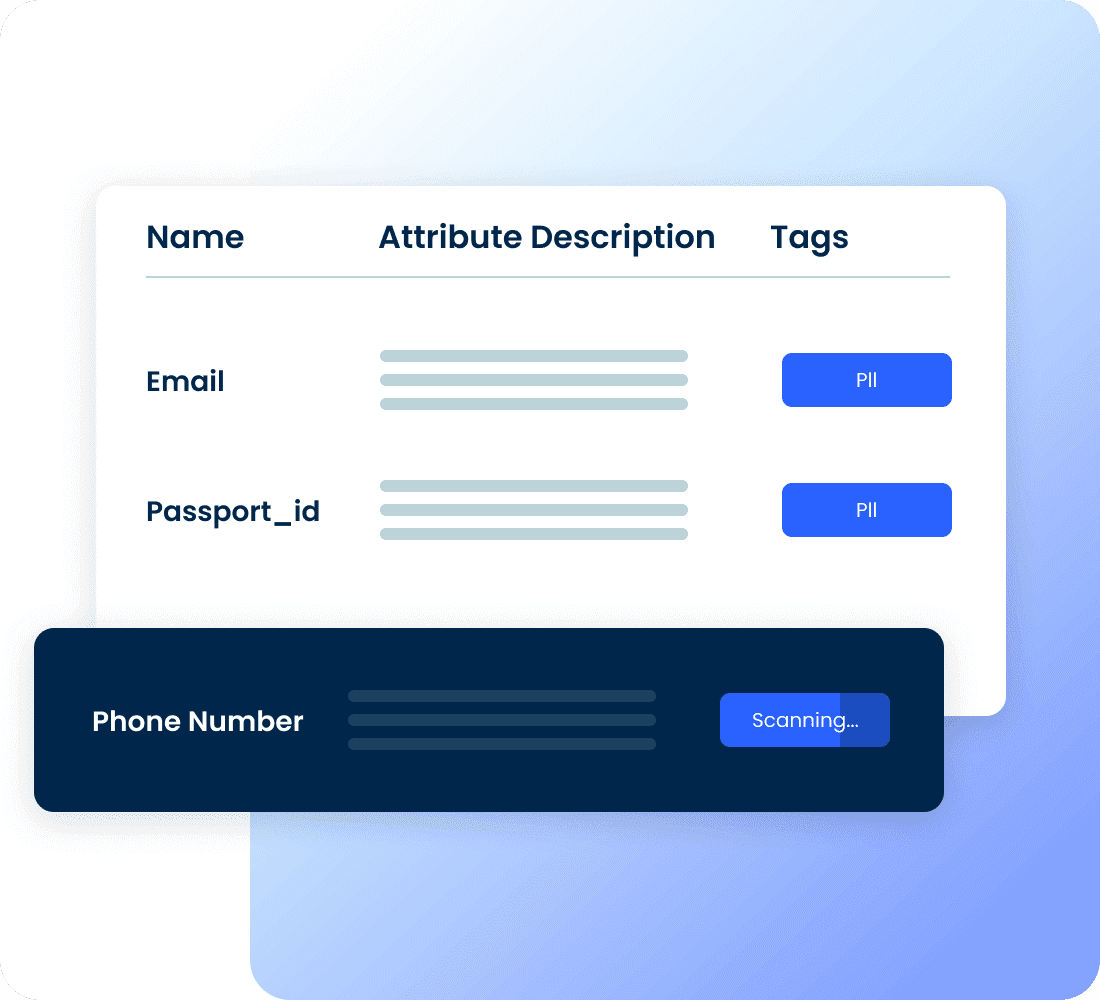
- PII/SPI detection and classification
- Integration with identity providers for SSO/RBAC
Step 3: Create a scoring model to evaluate vendors
Once you’ve defined your needs and understood the landscape, create a structured rubric to evaluate vendors. This allows you to compare tools fairly—even when the features or terminology differ slightly.
Here’s a simple model to guide your scoring:
- List the top 10–15 capabilities that matter most to your team.
- Assign a weight to each one based on impact (for example, 10% for glossary tagging, 25% for discovery and search).
- Create a matrix and score each vendor 1–5 for each capability.
- Multiply each score by its weight, and tally the results.
This gives you a quantitative framework to support what will still be a qualitative decision.
Step 4: Don’t ignore non-functional requirements
Even the most feature-rich catalog will fail if it’s too hard to use, too slow to scale, or too expensive to maintain. Here are a few critical non-functional aspects to explore during your evaluation:
Integration and extensibility
Does the catalog integrate easily with your warehouse, BI tools, and transformation pipelines? Are APIs available for custom metadata ingestion or lineage?
Usability for non-technical users
Is the UI intuitive? Can a marketing analyst find what they need without training? Does the experience adapt to different personas?
Performance and scalability
How well does the tool handle large volumes of metadata? Does lineage load quickly across millions of tables? Can it support 100+ concurrent users?
Total cost of ownership
Go beyond licensing. Ask about implementation support, training, hidden connector fees, and the resources required to maintain the platform over time.
Vendor support and onboarding
Will you have access to training resources? A dedicated success manager? What SLAs apply to support tickets or downtime?
Step 5: Make demos count
When you’ve narrowed the list down to two or three vendors, it’s time to see them in action. But don’t let the vendor lead the show.
Send a demo brief in advance outlining the problems you’re trying to solve and the workflows you want to see. Ask them to use your data, your glossary, or your use cases if possible.
During the session, involve stakeholders across data, governance, and analytics. Everyone should leave with a sense of how the catalog would work in their day-to-day. And don’t forget to ask tough questions about security, long-term pricing, product roadmap, and service levels.
Step 6: Run a proof of concept with real data
A POC is the single most important step before signing a contract. It allows you to test the catalog’s performance, flexibility, and usability in your real environment.
During your POC, aim to:
- Use a subset of production data
- Involve key users across functions
- Define clear success criteria in advance
- Test lineage, metadata accuracy, and search speed
- Evaluate support quality and documentation
- A well-executed POC not only gives you technical confidence—it gives you a sense of whether the catalog will be adopted or ignored.
Conclusion: choose a catalog that grows with you
The right data catalog doesn’t just help you document metadata. It changes how your organization works with data. It reduces friction, strengthens compliance, and unlocks self-service for everyone—not just the SQL experts.
Evaluating a catalog requires more than checking off features. It’s about aligning capabilities with outcomes, validating usability in practice, and understanding the long-term cost and scalability of your choice.
At Coalesce, we built our Catalog as a fully integrated experience—not a bolt-on product. It brings together transformation logic, lineage, governance, and collaboration into a single platform that data teams actually want to use.
If you’re exploring your options, we’d love to show you how Catalog supports fast-growing organizations—from Snowflake-native startups to complex, multi-platform enterprises.
- Want to see it for yourself? Request a demo and get a hands-on look at how Catalog could fit your team.
Frequently Asked Questions
When evaluating a catalog, focus on both core features and usability. At minimum, it should support discovery, metadata management, lineage, governance, and collaboration. Beyond that, check if it integrates smoothly with your existing stack, scales with large data volumes, and is easy enough for non-technical users. A powerful catalog is useless if adoption across teams is low.
If teams spend too much time searching for datasets, struggling to reconcile conflicting reports, or answering repetitive questions, you’re ready for a catalog. Similarly, if compliance teams lack visibility into sensitive data or engineers manage undocumented pipelines, a catalog can centralize context, enforce governance, and speed up access.
A demo is usually vendor-led and shows what the tool could do. A POC uses your real data, workflows, and users to test how the catalog performs in practice. It’s the most reliable way to validate whether a tool will deliver value in your environment and gain adoption by your teams.
The best approach is to create a scoring model. List the 10–15 capabilities that matter most to your team, assign weights based on importance, and score each vendor against them. This shifts the evaluation from subjective impressions to a structured comparison based on outcomes